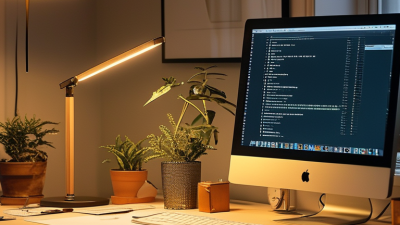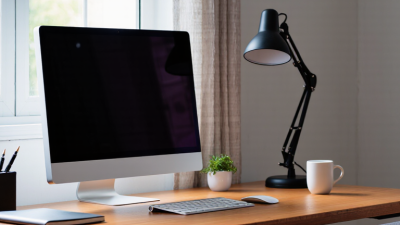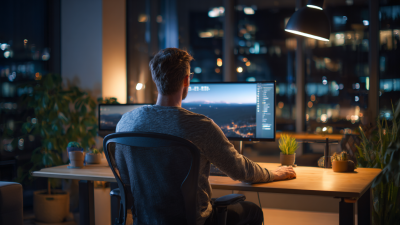
Choosing Workstation Lighting in 2026 is less about buying the brightest desk lamp and more about matching light to the work. Small choices matter. Daylight, screen position, task type, and individual comfort can all change what feels usable. A lamp that looks sleek in a product photo may still cast a sharp shadow across handwritten notes. Glare is tiring.
A practical setup usually balances ambient room light with focused task lighting. Look for adjustable brightness and a head or arm that directs light onto the work without reflecting across the screen. Color rendering matters too: accurate colors help with design, craft, and other detail-heavy tasks. But no single color temperature suits everyone or every room. Your own comfort counts.
This guide explains how to assess brightness, color quality, positioning, and controls before choosing a fixture. It also considers energy use, eye comfort, and how lighting needs may shift between video calls, reading, and screen-based work. Where possible, test a lamp at your actual desk: check for glare on the monitor, shadows near the keyboard, and uneven light across the work surface. Measurements and product specifications can help, but they cannot replace that check. Lighting advice can sound more certain than real rooms allow. The best choice is one you can adjust—and are willing to rethink when your work or space changes.
Start by listing the work done at the workstation. Reading printed plans, entering data, inspecting small parts, and joining video calls all place different demands on the eyes. Note the size of the details, how long each task lasts, and whether the worker shifts between paper and a screen. Be specific. “Computer work” alone does not describe the lighting needed for a glossy monitor or a detailed drawing.
Match the light to the task and the room. Fine, sustained work often benefits from brighter, even illumination, while screen work needs careful control of reflections and contrast. Position task lighting to illuminate the work surface without shining directly into the eyes or onto the display. Check the setup at different times of day; window light can change quickly. A fixture that seems comfortable in the morning may create glare by afternoon. There is no single setting that suits every person, so adjust brightness and position, then reassess after a full work session.
Assess daylight at the hours you usually work, not just during a bright morning. Note whether a window sits beside, behind, or directly in front of your screen. Side light often reduces reflections, while strong light behind the display can make text harder to read. Watch how shadows move across your desk. Cloud cover and changing seasons matter, too. A setup that feels comfortable in June may look dim in winter.
Next, check the room’s ambient light before adding a task lamp. If the desk is bright but the rest of the room is dark, your eyes may feel strained during long sessions. Aim for even, diffuse light, then add focused illumination for paper notes or detailed work. Keep the lamp outside your direct line of sight, and angle it away from glossy screens. Layout can complicate things. A lamp that works beside a laptop may cast a hand shadow when you write.
Tips: Sit at your usual desk height and test the setup for ten minutes. Move the lamp, then check screen glare from your normal viewing position. Keep a note of what changes; small adjustments can help, though the best arrangement may shift with daylight.
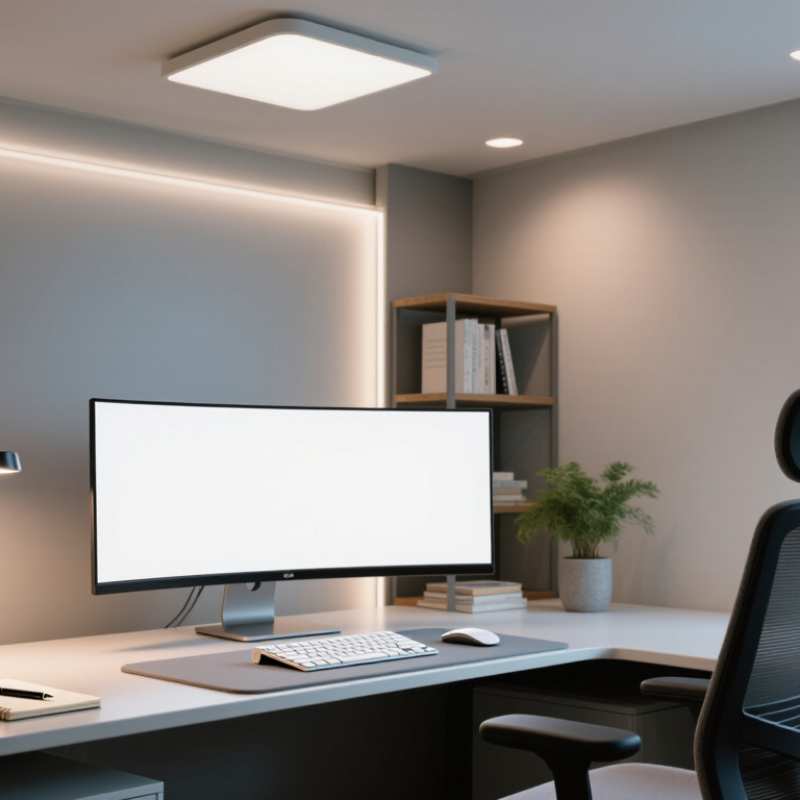
Choose layered fixtures: a broad, diffused ceiling light for the room, plus an adjustable task lamp for close work. Place the lamp opposite your writing hand when possible, and aim its beam at the page rather than the monitor. This helps limit hard shadows and screen reflections. Check the setup from your seated position. Glare often appears only after dark.
For many desk tasks, a neutral white range around 3500–4000 K feels clear without making the room look stark. Warmer light may feel more comfortable for evening reading, while cooler light can make small details easier to distinguish. Your walls and desk surface also affect how the light appears. Try one change at a time. Color temperature is not brightness, so a dimmer can be useful when daylight shifts.
Color rendering matters when you compare fabric, printed charts, or colored components. Look for a CRI of 90 or higher for more faithful color appearance, while remembering that CRI is only one measure of light quality. A high number cannot fix glare or poor placement. Small changes matter. I would test a fixture beside the actual monitor and work materials before settling on it; specifications alone can be misleading.
When choosing workstation lighting in 2026, compare how each fixture is controlled, not just its brightness. A physical dimmer is easy to adjust during a call or while reading a printed page. Touch controls can look clean, but they may be awkward when your hands are full. Small details matter. Check whether the light remembers its last setting after being switched off.
Energy efficiency depends on more than the wattage printed on a package. Look for efficient LED lighting and a beam that reaches your keyboard without spilling across the room. A well-positioned task light may let you lower overhead lighting, especially during evening work. Still, the lowest energy use is not always the best choice if the light causes eye strain. Aim for even illumination, and test the setup at your actual desk.
Smart features can include schedules, occupancy sensing, and app-based brightness or color adjustments. These may reduce wasted light when you step away, but they add setup and maintenance. Ask whether basic controls still work without an internet connection. A sensor that switches off during a quiet video call can be irritating. Smart does not always mean simpler. Compare the features you will use each day with the ones that merely sound impressive.
| Lighting option | Typical power and output | Control options | Energy use per year* | Smart features | Best suited to | Points to check |
|---|---|---|---|---|---|---|
| Dimmable LED task lamp | About 6–10 W; roughly 500–1,000 lumens, depending on the model | Usually a touch, rotary, or push-button dimmer; some models offer multiple color-temperature settings | About 12–20 kWh at 2,000 operating hours | May include scheduled dimming or app control; smart functions depend on the model | Focused desk work, reading, and adding light without changing the room’s ceiling fixtures | Check light spread, glare control, arm adjustment, and whether the lamp remembers its last setting |
| LED desk lamp with occupancy sensing | About 7–12 W; roughly 600–1,200 lumens | Manual dimming plus automatic shutoff after the work area is unoccupied | About 14–24 kWh before sensor-related savings | Presence detection and, on some models, daylight response | Shared workstations or desks where lights may otherwise be left on | Sensor coverage and timeout settings affect how reliably the lamp responds; savings depend on actual usage |
| Connected, tunable-white task light | About 8–14 W; roughly 700–1,400 lumens | App, on-device control, and sometimes voice or schedule-based control | About 16–28 kWh at full rated power for 2,000 hours; lower when dimmed | May support scenes, schedules, remote adjustment, and adjustable white light | Users who want repeatable lighting settings or time-based adjustments | Check network requirements, app support, manual controls, and whether core functions work without an internet connection |
| Linear LED task light | About 8–16 W; roughly 800–1,600 lumens | Switch or dimmer; some versions offer occupancy or daylight controls | About 16–32 kWh at 2,000 operating hours | Optional sensor or connected-control features vary by configuration | Wide desks, benches, and work surfaces that benefit from more even light distribution | Check mounting method, beam distribution, and whether the fixture can be positioned to avoid reflections on screens |
| Ambient LED lighting with a separate task light | Room lighting varies; a supplemental task light is commonly about 6–12 W | Room-level switching or dimming, combined with local task-light control | Task-light portion: about 12–24 kWh at 2,000 operating hours; room lighting is additional | Room controls may provide schedules, occupancy response, or daylight adjustment | Workstations used for varied tasks, especially where balanced room and desk lighting is preferred | Consider both the desk surface and surrounding brightness; task-only lighting can create strong contrast in a dim room |
How to compare: Figures are indicative ranges, not specifications for a particular product. Annual energy use is calculated as rated watts × 2,000 hours ÷ 1,000; actual consumption varies with brightness, operating time, and controls. For computer-based work, check for low glare, adjustable positioning, and suitable illumination on the work surface.
Place the light where it brightens your work without shining into your eyes. For handwriting, a lamp on the opposite side of your writing hand can reduce shadows across the page. With a monitor, move the lamp until its reflection disappears from the screen. A few centimeters can matter. Keep windows in mind, too: daylight shifts, and a setup that feels comfortable at noon may glare in the afternoon.
Test the arrangement while doing your actual tasks. Sit as you normally would, open a pale document, then view a dark screen. Look for bright patches, squinting, or a sharp contrast between the monitor and the surrounding desk. Adjust the lamp angle and brightness, then give your eyes a few minutes to settle. Comfort is personal; there is no single setting that suits everyone. I still find that a desk can look evenly lit but feel tiring after an hour.
Check the physical setup as well. Keep cords out of walking paths, secure the lamp base, and leave space around any part that warms during use. Avoid placing a hot light near paper or fabric. Small adjustments matter. If discomfort persists, reconsider the light’s position, the room’s ambient lighting, and your screen angle.
© 2025 EXCELSIUS MEDICAL All rights reserved
Taiwan Office
2F., No. 18, Ln.31, Sec.1, Huandong Rd.,
Xinshi Dist., Tainan City 744, Taiwan, R.O.C.
German Office
Zeppelinstr. 4, Haus 3&4,
D-85399 Hallbergmoos, Germany